


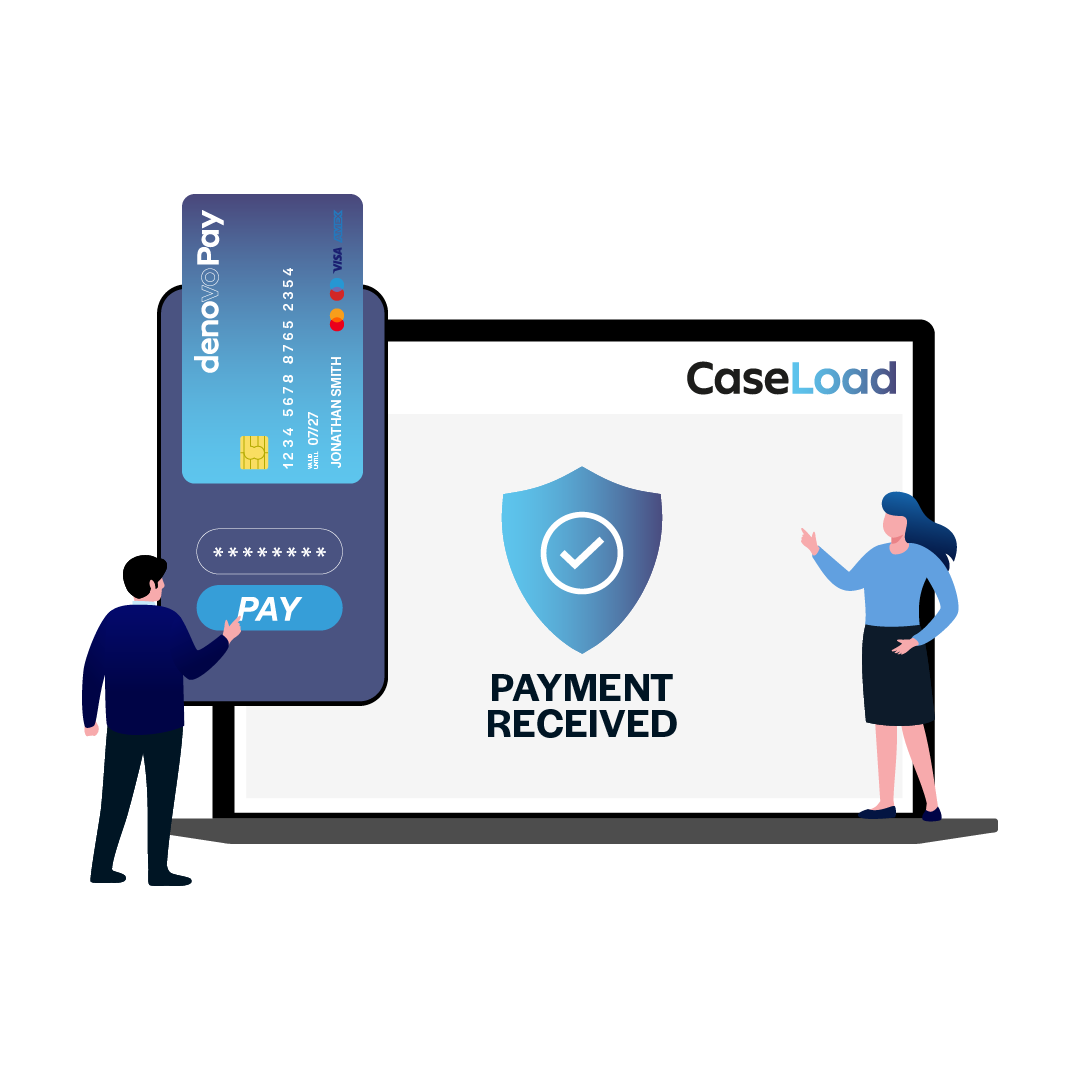
Request Payments in Seconds
DenovoPay (powered by FeeWise) is specifically designed for law firms in Scotland to get paid faster through an embedded payment link on your invoice or email. Turn any fee into a payment request instantly.
1
Right-click any fee inside CaseLoad
2
Send a secure payment link via SMS or email
3
Each link is unique to the invoice
4
Clients can pay immediately – no login required

Watch this video
Let us show you how easy it is to get paid with DenovoPay in CaseLoad.


A Seamless Client Payment Experience
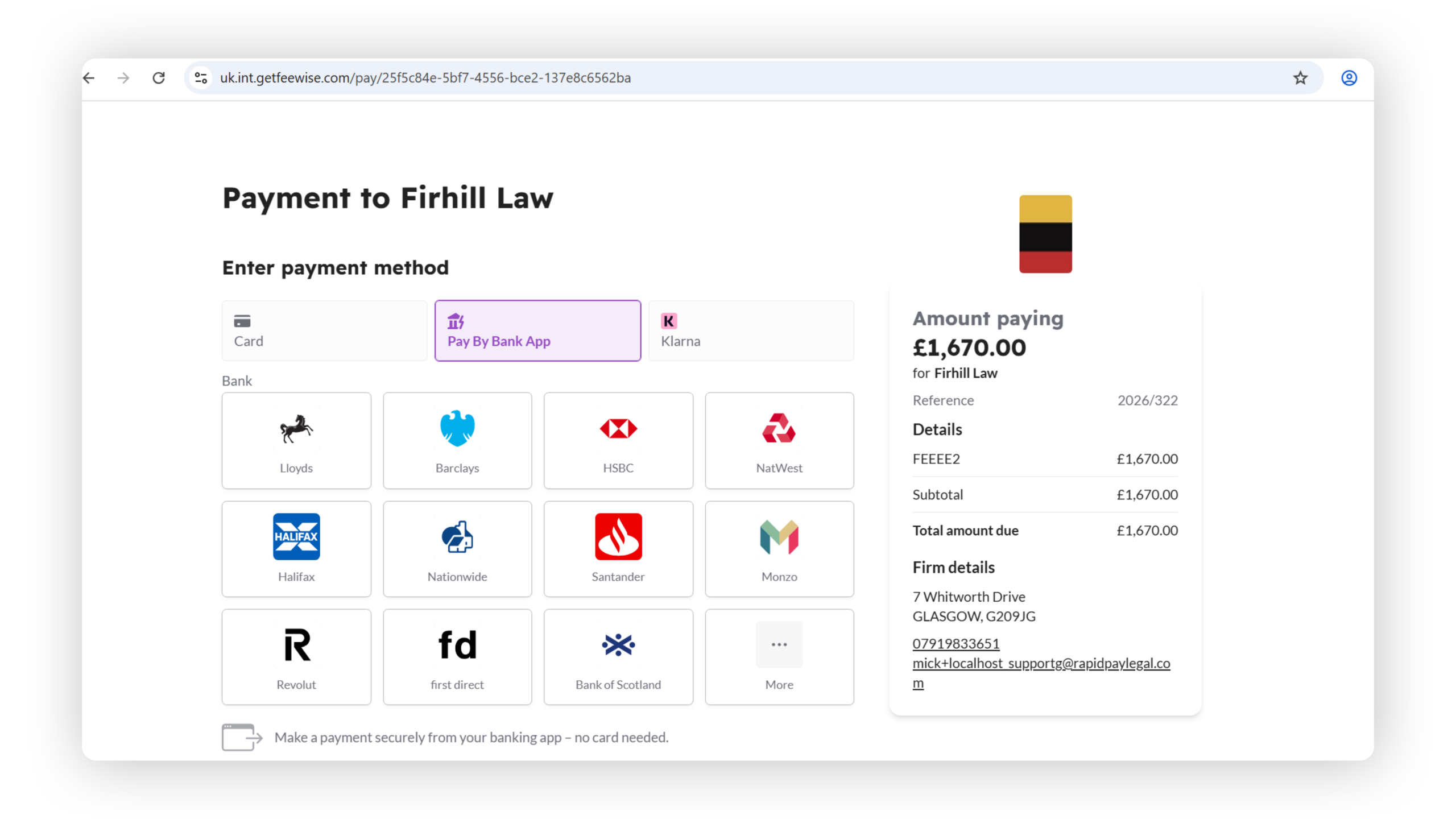
Make it easy for clients to pay – anytime, anywhere.
Clients receive a secure link and can choose how they pay:
– Debit or credit card
– UK bank app (Open Banking)
– Apple Pay & Google Pay (mobile)
– Pay in instalments with Klarna
Accessible via desktop or mobile, the experience is fast, secure, and designed to maximise completion rates.
Real-Time Payment Visibility
Know exactly when you get paid.
Inside your CaseLoad dashboard, you’ll see:
– Payments as they happen
– Status updates in real time
– Clear indicators on fees sent for payment
No more guesswork – your cashflow is always visible and up to date.
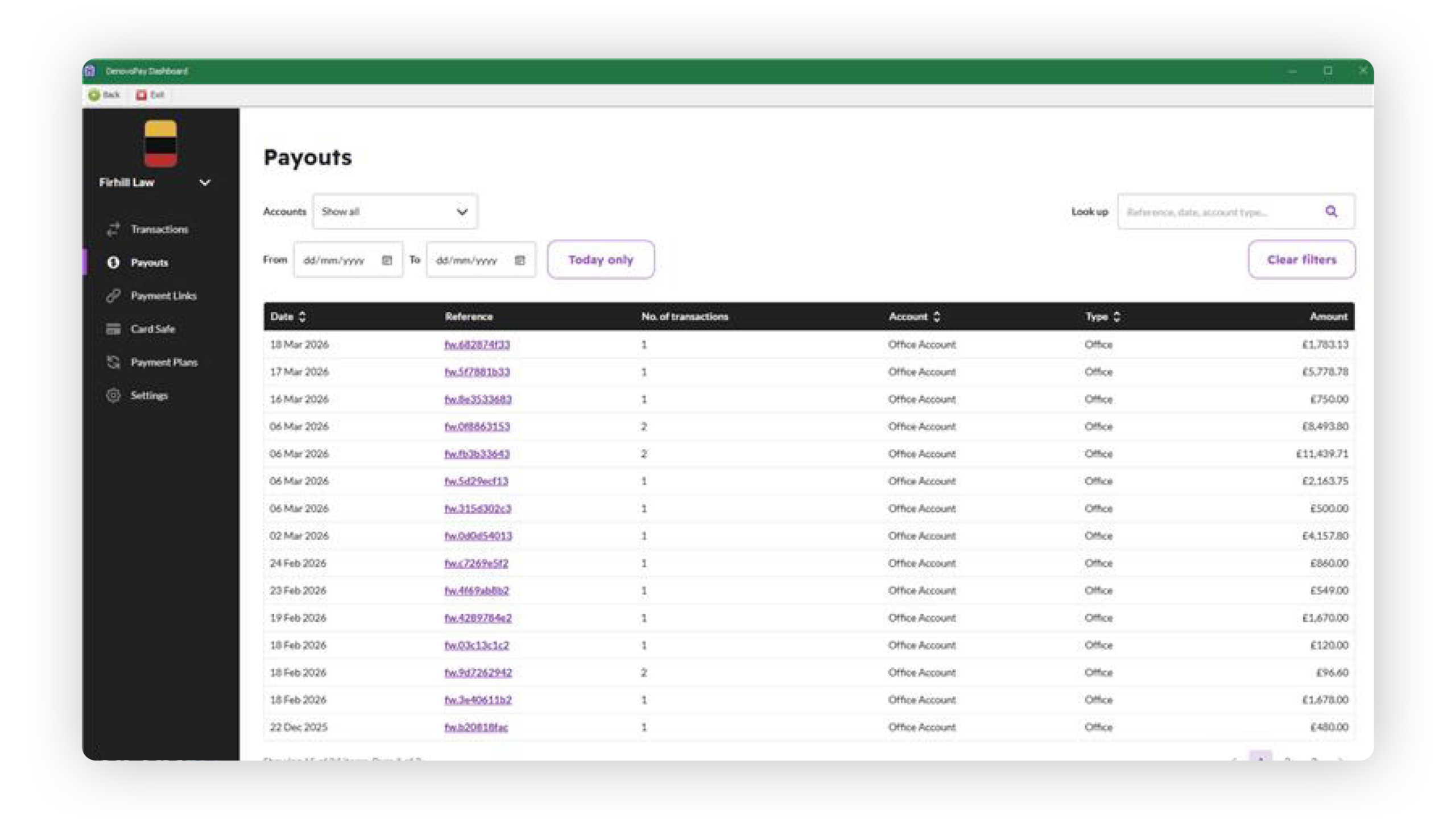
Automated Daily Payouts
Get your money, without manual effort.
– Payments are grouped into daily payouts
– Full breakdown of all transactions included
– Drill down into individual payments anytime
Everything is transparent, traceable, and easy to manage.
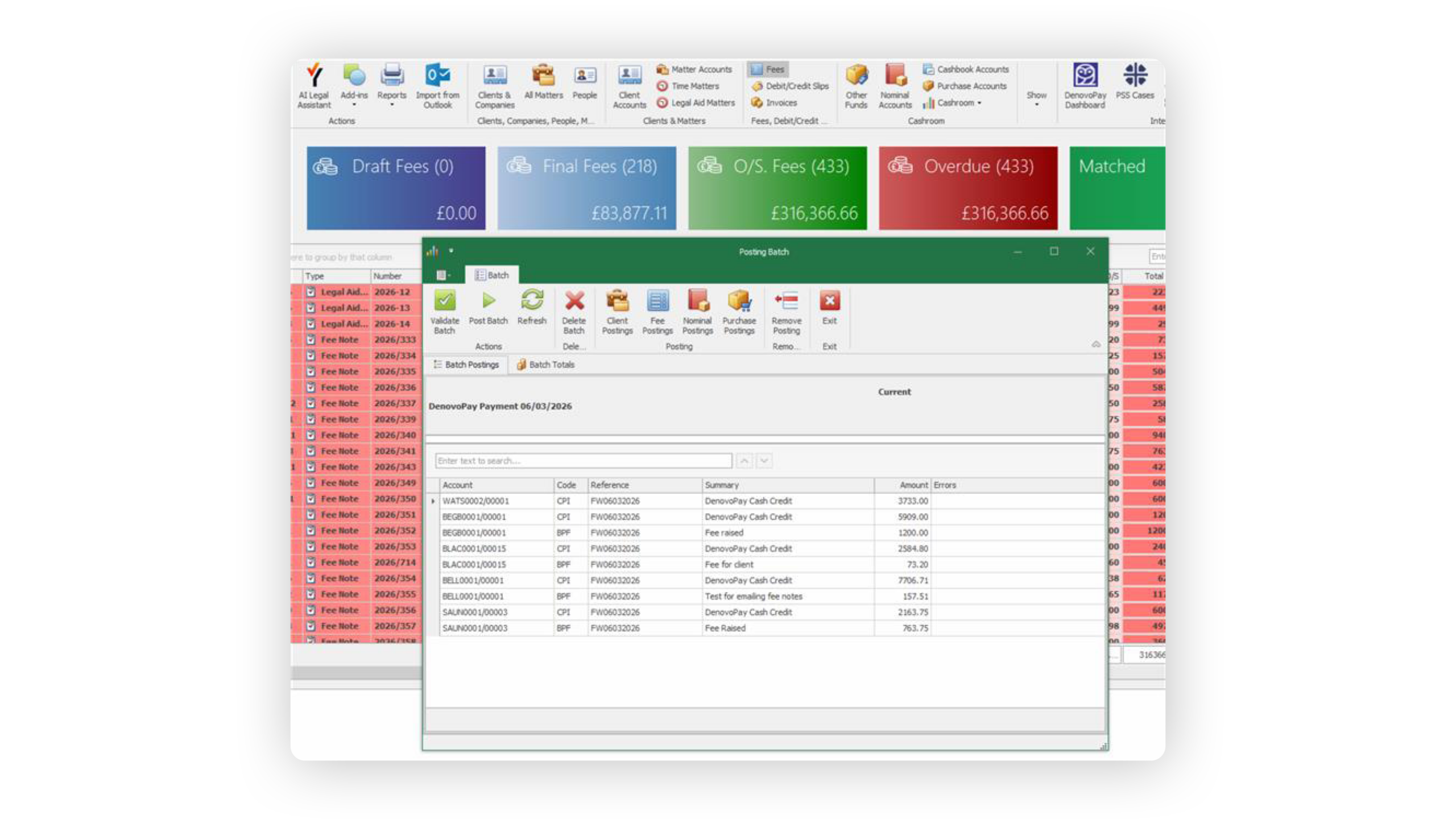
Effortless Reconciliation
Say goodbye to manual matching.
Once payouts are received:
– Payments are automatically batched
– Fees are auto-matched to transactions
– Clean, accurate cash posting—every time
Built to simplify accounting workflows and reduce errors.
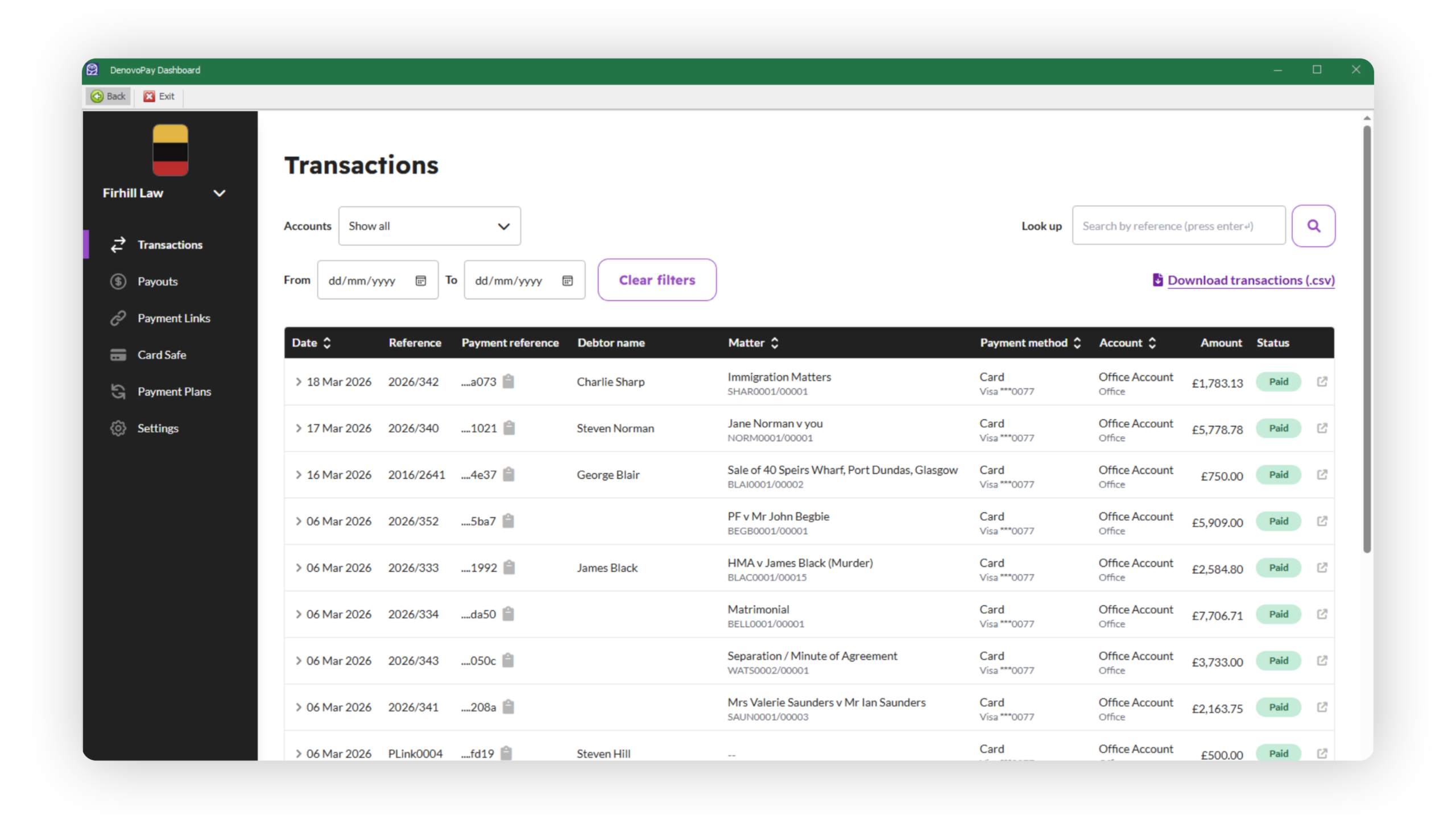
Flexible Payment Management
Stay in control of every transaction.
From within CaseLoad, you can:
– Adjust fee amounts before payment
– Resend payment links instantly
– Record manual payments (e.g. bank transfer)
– Send client statements for multiple invoices
Give clients flexibility while keeping your records accurate.
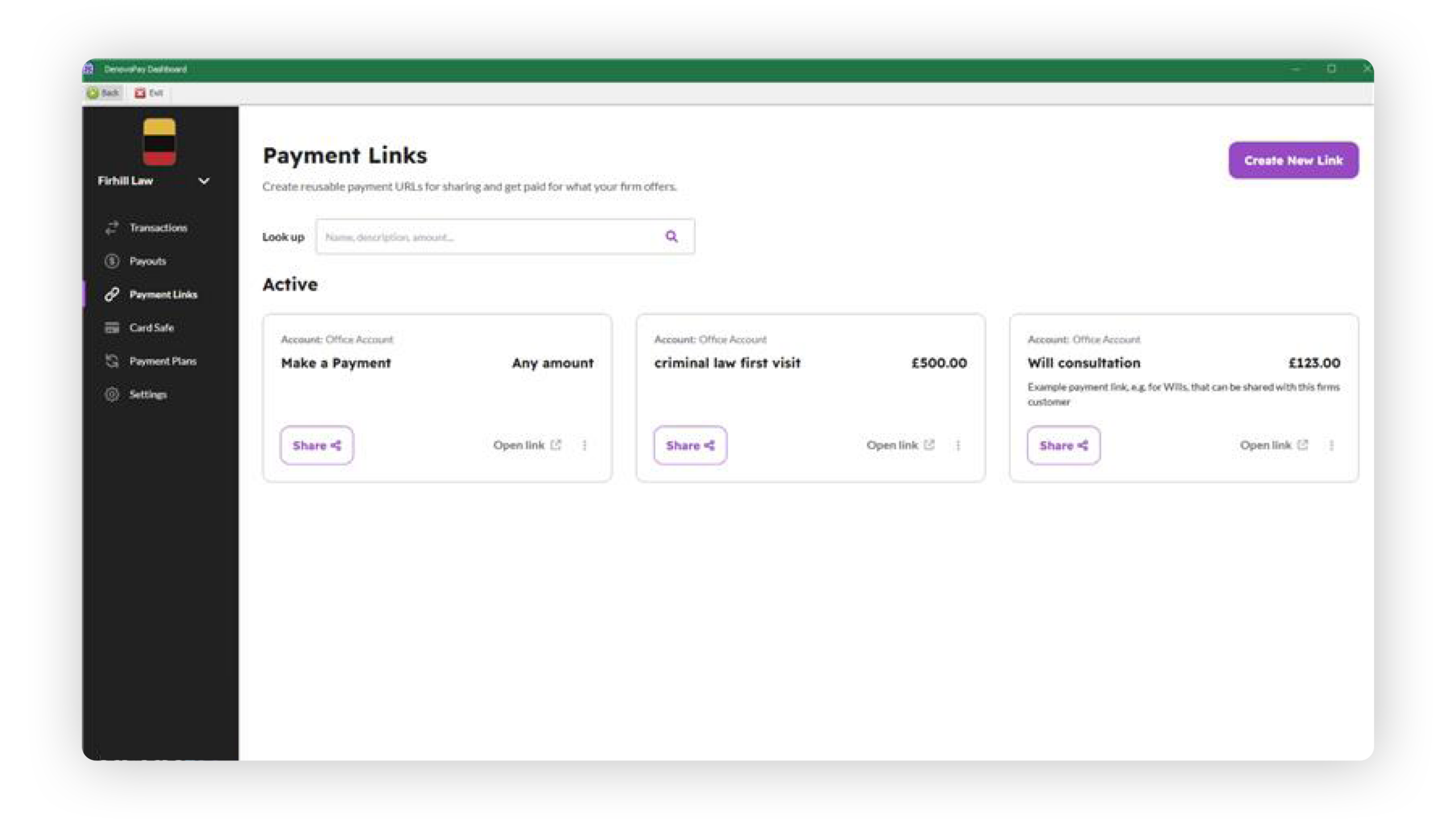
Payment Links Beyond Matters
Collect payments even before onboarding.
Create standalone payment links for:
– Website enquiries
– Fixed-fee consultations
– Upfront retainers
Funds go directly into your account, and can be allocated later to the correct matter.
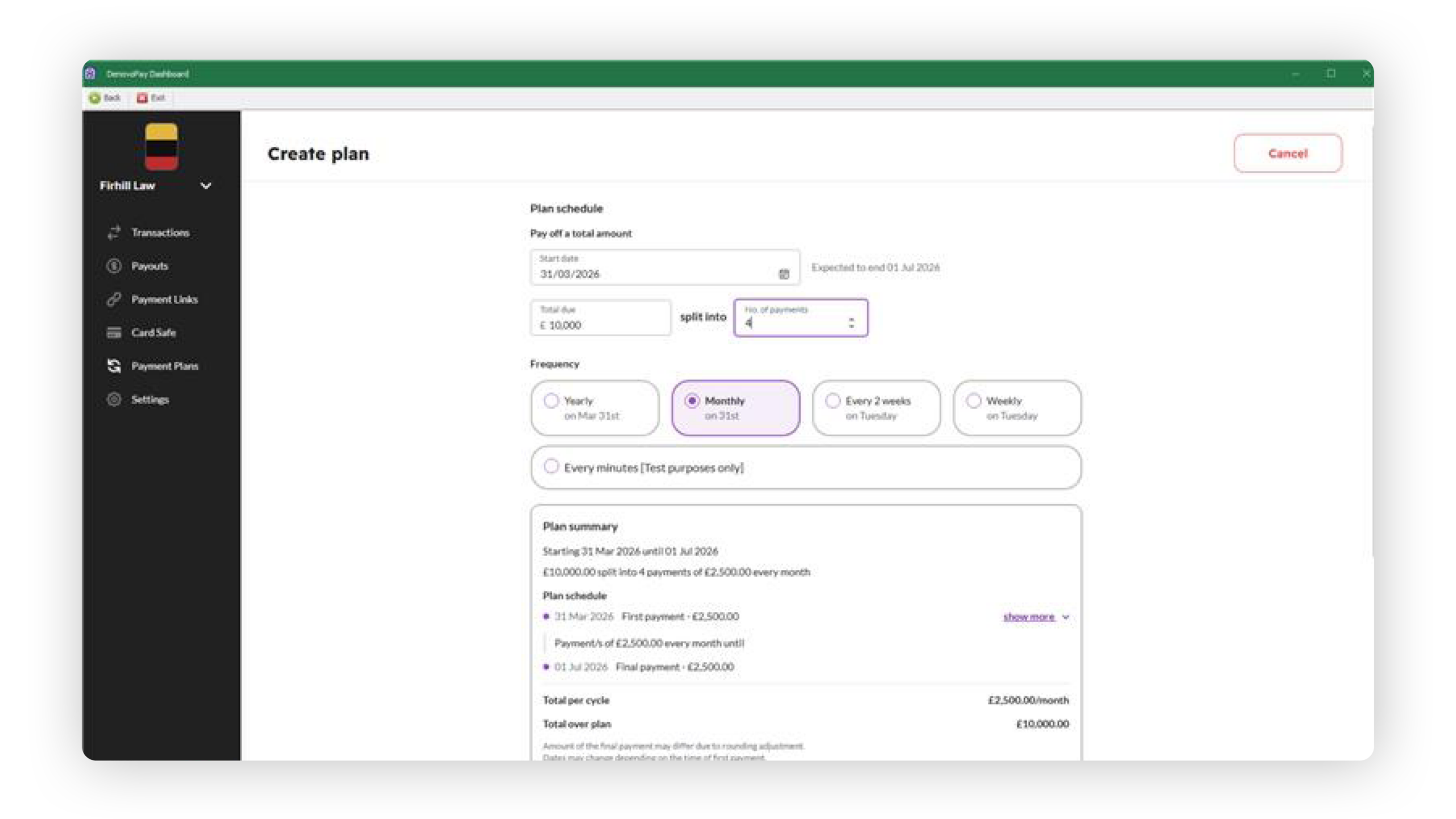
Secure Card Storage & Payment Plans
Support flexible billing with confidence.
CardSafe
– Securely store client card details
– Reuse for future payments
Payment Plans
Split fees into scheduled instalments
– Automate recurring payments
– Option to request client approval per payment
Perfect for larger fees or long-running matters.
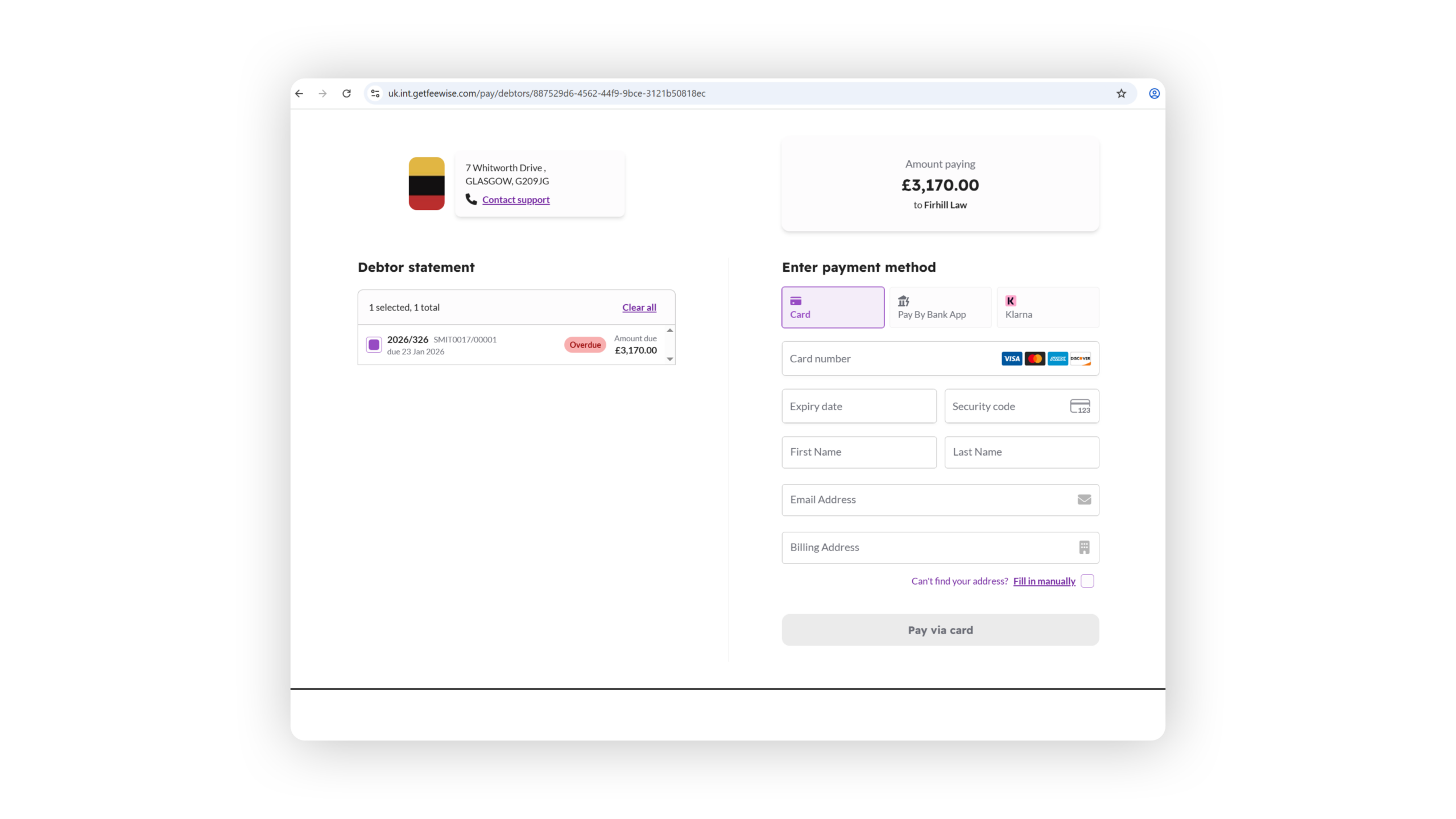
Custom Branding
Keep your firm front and centre.
DeovoPay isn’t a generic payment tool – it’s designed for your law firm.
– Add your logo and firm details
– Branded payment pages for a professional client experience
Every interaction reinforces your firm’s identity.
Something to think about…
Your firm will get paid up to 3x faster with real-time payment links sent directly from your case management system.
Get Paid Faster
Getting started with DenovoPay
1 – Activate
Register your interest and Denovo’s support team will send you a short application form to sign, where you will verify your client and firm account details. Your DenovoPay account will be activated within 24 hours of all documentation being approved.
2 – Request Payment
Create an invoice or client account payment request in your CaseLoad software and send it to your client with our click-to-pay online options embedded within.
3 – Get Paid
Once your client makes a payment by card, we’ll notify you and you get paid – that’s it!
Benefits of DenovoPay Online Payments
- Get paid even faster and easier with Apple Pay and Google Pay
- Create your own payment links to attach to any email or document, or present on your website or display at reception
- Get your full matter balance paid with Matter Statement Checkout
- Create Payment Plans for clients to pay you over time
- Store cards securely with Card Safe
- View, track and manage transactions from within your integrated dashboard